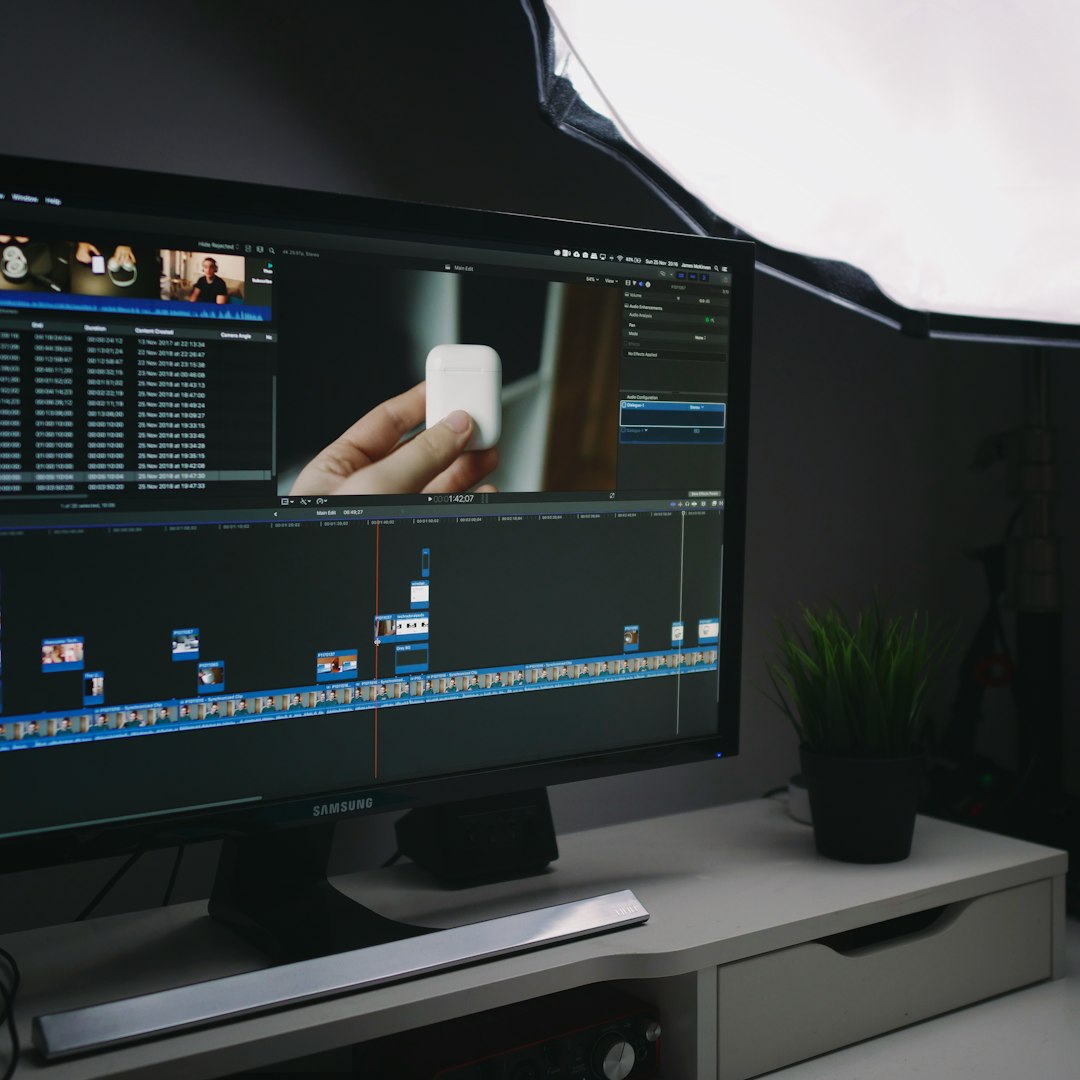
Transitions connect moments in your story, and while straight cuts remain the most common and often best choice, creative transitions can elevate your editing when used appropriately. The key is understanding when transitions enhance your narrative versus when they simply call attention to themselves unnecessarily.
The Art of the Straight Cut
Before exploring creative transitions, master the straight cut. This instantaneous transition from one shot to another is invisible when done well, keeping viewers immersed in the story. Professional editors use straight cuts for 95% of their transitions because they're efficient and don't distract from content. Save creative transitions for moments requiring special emphasis or stylistic flair.
Straight cuts work best when there's visual or narrative continuity between shots. Cutting between angles during a conversation feels natural. Cutting from a character looking off-screen to what they're seeing creates clear cause and effect. Understanding why straight cuts work helps you recognize when alternatives might better serve your story.
Motion-Matched Transitions
Motion matching creates seamless transitions by aligning movement between shots. If someone walks through a door in one shot, cut to them continuing the walk in a different location. The continuous motion makes the cut feel invisible, even though the location changed completely. This technique works with any movement: turning heads, raising arms, or camera pans.
To execute motion matches successfully, pay attention to speed and direction. The motion in your second shot should continue at the same speed and in the same direction as the first. Even a slight mismatch becomes jarring. Use your editing software's playback controls to fine-tune the cut point, ensuring the movement flows naturally across the transition.

Whip Pans and Quick Camera Movements
Whip pans transition between shots using rapid camera movement that blurs the frame. Shoot a fast pan at the end of one shot and the beginning of the next, then cut during the blur. The motion disguises the cut, creating an energetic transition that works well for action sequences or fast-paced content. This technique requires planning during production.
Without production-stage whip pans, you can create similar effects in post. Use speed ramping to accelerate the end of one shot and the beginning of the next, then add motion blur. While not as organic as in-camera whip pans, this technique still creates dynamic transitions when straight cuts feel too abrupt for your pacing needs.
J-Cuts and L-Cuts for Audio-Visual Flow
J-cuts and L-cuts aren't visual transitions but rather audio-visual techniques that smooth scene changes. In a J-cut, audio from the next scene begins before the visual transition. In an L-cut, audio from the current scene continues after cutting to new visuals. These techniques, borrowed from cinema, create more natural-feeling transitions than perfectly aligned audio-visual cuts.
Use J-cuts to preview upcoming scenes, building anticipation. The sound of a busy restaurant fading in before we see it prepares viewers for the location change. L-cuts work well for reflective moments. A character speaks, then we cut to what they're describing while their voice continues, creating a smooth narrative flow between past and present or real and imagined.
Invisible Transitions Using Similar Shapes
Invisible transitions hide cuts by matching similar shapes or colors between shots. End one shot on a dark object filling the frame, then begin the next shot with a similar dark element. The visual similarity makes the cut nearly invisible. This technique works with any visual element: bright lights, architectural features, or even abstract shapes.
Master editors plan these transitions during production, but you can find them in existing footage by carefully reviewing your clips. Look for moments where shots begin or end with similar visual elements. These natural transition points create sophisticated connections between scenes without calling attention to the editing technique itself.
Cross Dissolves and When to Use Them
Cross dissolves overlap the end of one shot with the beginning of another, with the first shot fading out as the second fades in. This transition suggests the passage of time or a change in location. Use dissolves sparingly, as they slow pacing and create a dreamy, reflective quality that doesn't suit all content.
Dissolve duration affects the transition's impact. Short dissolves of 6-12 frames create gentle transitions without dramatically slowing pace. Longer dissolves of 24-48 frames emphasize time passage or create contemplative moods. Match your dissolve length to your content's rhythm and emotional tone, and never use dissolves simply because you lack better footage to cut with.

Graphic Match Transitions
Graphic matches transition between visually similar compositions. Cut from a circular object in one scene to another circular object in the next scene, maintaining similar positioning and size. This creates visual continuity that satisfies viewers aesthetically while moving the story forward. Kubrick famously used this technique, cutting from a bone thrown into the air to a spaceship.
Finding graphic matches requires attention to composition during both shooting and editing. Look for repeated shapes, patterns, or colors across your footage. When you find them, position your cuts so the visual elements maintain consistent screen position. The result is transitions that feel purposeful and carefully crafted rather than random or convenient.
Speed Ramping for Dynamic Energy
Speed ramping varies footage playback speed within a single clip, often used transitionally. Slow down action at a key moment, then speed up to transition into the next scene. This technique adds dramatic emphasis and controls pacing precisely. It's particularly effective in action sequences, sports content, and music videos where energy and rhythm matter.
Implement speed ramping smoothly by using velocity curves rather than sudden speed changes. Most editing software provides graphs showing speed over time. Create gradual acceleration and deceleration curves rather than harsh corners. This makes speed changes feel intentional and cinematic rather than jarring technical mistakes.
When to Choose Transitions Over Straight Cuts
Creative transitions should serve specific purposes. Use them for time passage, location changes, or to create specific moods. If a transition doesn't enhance your story, stick with straight cuts. Over-using creative transitions makes your editing obvious and amateurish, pulling viewers out of immersion in your content.
Consider your content's genre and style. Corporate videos typically stick with straight cuts and occasional dissolves for professionalism. Music videos allow much more creative freedom with transitions. Documentary work sits somewhere between, using creative transitions sparingly to mark major story sections while maintaining credibility through mostly invisible editing.
Timing Transitions for Maximum Impact
Transition timing dramatically affects their impact. Cut to the beat in music-driven content, aligning transitions with rhythmic elements. For dialogue, avoid cutting during important words unless creating specific emphasis. The rhythm of your cuts contributes to overall pacing, with faster cuts increasing energy and longer shots creating contemplative moods.
Watch your timeline's waveforms to inform timing decisions. Visual representation of audio helps identify natural cut points. Many editors cut just before or after peaks in dialogue or music rather than directly on them, as this often feels more natural. Trust your instincts, but verify timing choices by watching repeatedly at full speed.
Conclusion
Mastering transitions means knowing when to use them and when to rely on simple cuts. Creative transitions are tools in your editing arsenal, not requirements for every scene change. Study professional work in your genre to understand transition conventions and when editors break them effectively. Practice different techniques, but always ask whether each transition serves your story or simply showcases editing skills. The best transitions enhance narratives invisibly, moving viewers through your story without calling attention to the craft behind the curtain.